Sign Up Sign In
EMAIL & PRODUCTIVITY

Intelligent tools your business can depend on

Plans starting at $6.59 /account/month
Google Workspace

Leverage the power of Google's machine intelligence

Build a smarter team with Google Workspace

Gmail
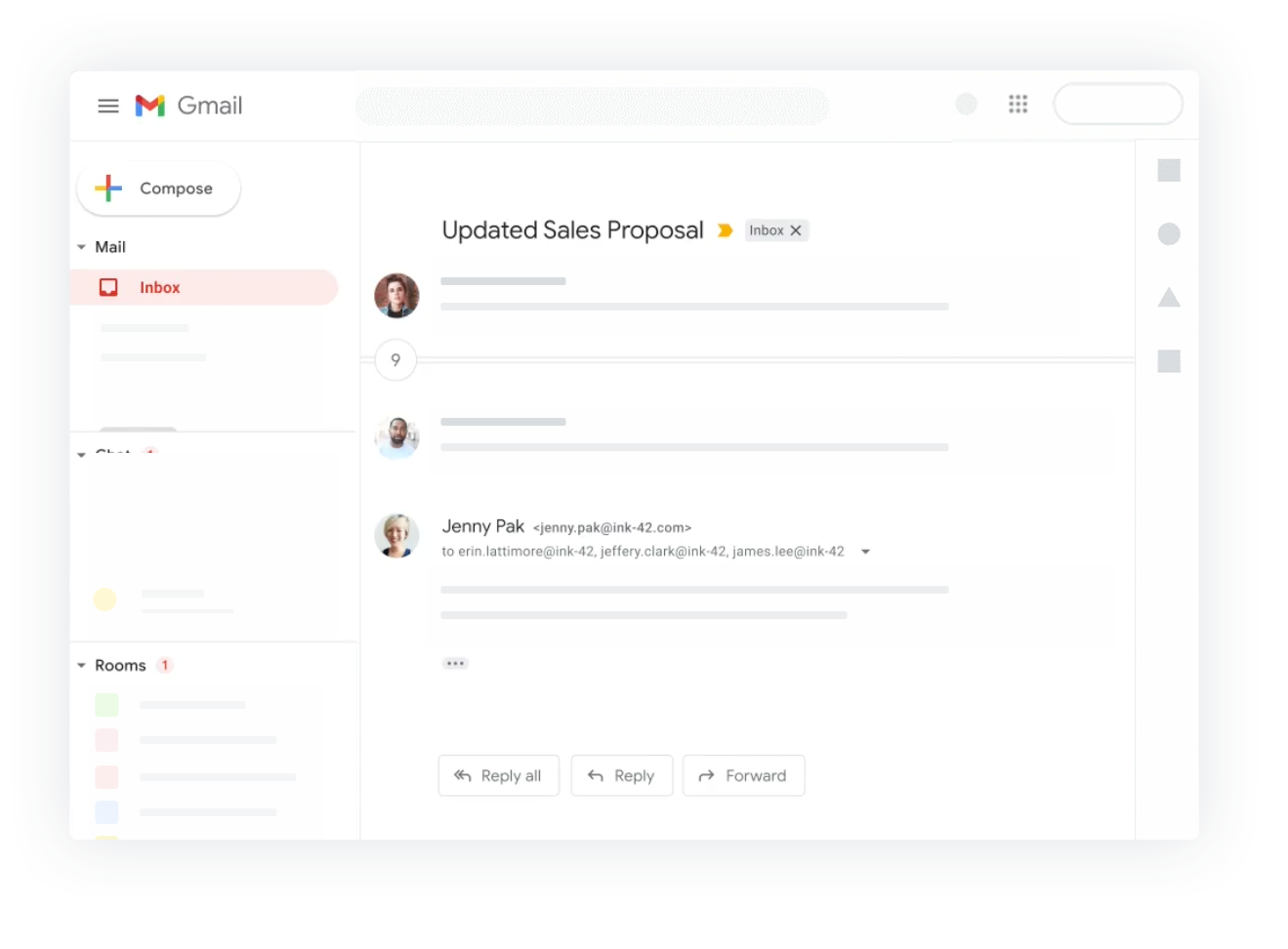
Get the power of Gmail

Get a professional email for your business with all the powerful features of Gmail.

Calendar
Keep your schedule organized

Add reminders, schedule meetings and never miss a thing with Google's smart calendar.

Meet
Communicate on the go

Stay connected with your colleagues via HD video calls and instant messages using Google Meet and Google Chat.

Drive
Intelligent Collaboration

Collaborate in real time, store your files on the cloud, share and access them from anywhere.

Cloud Search
Smart Cloud search

Search across all your organizations content. From Gmail and Drive to Docs, Sheets, Slides, Calendar, and more.

Currents
Stay updated

Discuss new ideas, engage in meaningful conversations and stay up to date with Currents.

Admin
Efficient control from a single place

Manage users, groups, permissions and migrate existing accounts to Google Workspace easily from the Admin Console.

Archive your data with ease

Retain and manage how your organizations data is stored and save what's important with Vault.

Stay Secure

Manage and give access to your employees on their devices while keeping your data secure with Endpoint Management.

Pricing Plans

Choose Your Plan

Get started with Google Workspace today

Business Starter
Get started with Business Starter
$6.59 /account/month
Select Plan
  • Communicate Secure business email
  • Communicate 100 participant video meetings
  • Collaborate Docs, Sheets, Slides
  • Collaborate 30GB Cloud Storage
  • Control Basic security & admin controls
Business Plus
Get started with Business Plus
$22.43 /account/month
Select Plan
  • Communicate Secure business email + eDiscovery
  • Communicate 250 participant video meetings + recording + attendance
  • Collaborate Docs, Sheets, Slides
  • Collaborate 5TB Cloud Storage
  • Control Enhanced security & Vault
Enterprise Plus
Get started with Enterprise Plus
$34.31 /account/month
Select Plan
  • Communicate Secure business email + eDiscovery
  • Communicate 250 participant video + noise cancellation + live streaming
  • Collaborate Docs, Sheets, Slides
  • Collaborate Unlimited Cloud Storage
  • Control Advanced security & Vault
Getting started

Your team on Google Workspace in four steps

We handle the setup and the migration, so nobody loses an email in the move.

  1. 1

    Choose your plan

    Pick the edition and the number of accounts you need. Accounts can be added at any time as the team grows.

  2. 2

    Connect your domain

    Use a domain you already own or register a new one. We configure the DNS and mail records for you.

  3. 3

    Migrate your data

    Existing mail, contacts and calendars come across from Exchange, IMAP or another Google account.

  4. 4

    Manage from one console

    Add users, set permissions and control devices from the Admin Console whenever you need to.

What you are buying

More than a mailbox with your name on it

Google Workspace is the same set of tools most people already know, tied to your own domain and under your control.

Familiar tools

Gmail, Drive, Meet and Calendar on your own domain

Your team gets the interfaces they already use every day, but running on yourbrand.com with business-grade storage behind them. There is no retraining involved, which is usually the most expensive part of changing an email system.

  • Gmail, Calendar, Drive, Docs, Sheets and Meet included
  • 30 GB of storage per account as standard
  • Works on desktop, web and every mobile platform
30 GB
Storage per account
Your
Domain name
Administration

One console for users, devices and permissions

The Admin Console is where you add a new starter, revoke access for a leaver, reset a password or wipe a lost phone. When someone leaves, you keep their mail and files rather than losing them with the person.

  • Add, suspend and remove users centrally
  • Endpoint management for company devices
  • Vault for retention and archiving of company data
Central
User management
Remote
Device control
Migration

Bring your existing mail, contacts and calendars

Switching providers should not mean starting with an empty mailbox. Migration tools cover Microsoft Exchange, Lotus Notes, IMAP servers and other Google accounts, so history moves across with the people.

  • Migrate from Exchange, Notes, IMAP or another Google account
  • Existing mail, contacts and calendar data preserved
  • Our team plans the switchover with you
Intact
Data on transfer
24/7
Support cover
Who it suits

Teams that need to work on the same thing at once

Workspace earns its keep wherever collaboration matters more than a single inbox.

Collaborative teams

Several people editing one document at the same time, with no versions emailed back and forth.

Remote and hybrid staff

Meet, shared Drives and calendars keep a distributed team working as one.

Growing companies

Add accounts as you hire, and reclaim the mail and files when someone leaves.

Professional services

Client-facing addresses with shared calendars for scheduling across the whole practice.

Schools and institutes

Managed accounts for staff, with device controls and retention policies behind them.

Leaving Exchange

Organisations retiring an on-premise mail server without wanting to run a replacement.

Google Workspace FAQ

Frequently asked questions

Domains, migration, clients and policy — what customers ask us most.

Yes. You can use a domain you already own with your Google Workspace order, and we will configure the DNS and mail records needed to point it at your new accounts.

It comes with you. There are migration tools for Microsoft Exchange, Lotus Notes, IMAP servers and other Google accounts, and the right approach depends on the size of your organisation and the system you are moving from. Our team will help you choose and run it.

Each account includes 30 GB of storage, shared across Gmail and Drive. Higher editions increase this if your team works with large files.

Very likely. As well as the Gmail web interface, you can use a desktop client over IMAP or POP. If you are moving from Microsoft Exchange or Outlook, Google Workspace Sync lets you keep using Outlook to manage your mail, calendar and contacts.

Any modern smartphone or tablet. The Gmail apps cover iOS and Android, and any other device can connect over IMAP using its built-in mail application.

Workspace is sold as a single integrated suite, because the tools are designed to work together — a message in Gmail becomes a Calendar event, a comment in Docs sends an alert, a meeting starts from your inbox. You are welcome to buy the suite and use only the services you need.

Yes. You can create mailing lists, add and remove users, appoint a moderator, restrict who may join, or ban a user from a list.

When you sign up you agree not to use the account to send spam, distribute viruses or otherwise abuse the service, and every user on your domain is covered by that agreement. Accounts found in violation may be suspended, and if the problem is domain-wide the whole account can be suspended, with notice sent to the administrator's secondary address.

Yes. Gmail's vacation responder sends an automatic reply while it is switched on, so people know when you will not be able to get back to them straight away.

You can. We move your accounts across from the previous provider with the data intact. Note that any remaining tenure or credit with the old provider does not transfer with it.

Yes. Accounts are billed per user, so you can add them as you hire and manage the whole list from the Admin Console. There is no need to re-plan the account when the team changes size.
Migration assistance included

Move your team to Google Workspace

Keep the tools everyone already knows, on your own domain, with your existing mail and calendars brought across intact.

We're here to help

Talk to a hosting expert

Real people, 24 hours a day, every day of the year.